Understanding Access Control: From Biometric to QR-code Systems
Imagine this: You’ve just arrived home, hands full of groceries, and realize—you forgot your keys. Again. Or perhaps you’re running a guesthouse and need a way to give guests access without physically meeting them. In today’s world, traditional locks just aren’t enough.
Modern access control systems offer a seamless, secure, and smart way to manage who enters your property—without the fuss of physical keys. Whether you own a freestanding home in Cape Town, manage an Airbnb in Somerset West, or operate a business in a gated estate, access control is quickly becoming essential.
Let’s explore the various types of access control—from biometric to QR-code systems—and how to choose the best one for your home or business.
🔍 What Is Access Control?
Access control is the use of technology to determine who can enter a property, building, or specific area—when, and how. Instead of relying on mechanical keys, access control systems use digital credentials like fingerprints, RFID cards, PIN codes, mobile apps, or QR codes.
These systems offer:
✅ Enhanced security
✅ Convenient entry for residents, staff, and visitors
✅ Audit trails for tracking access history
✅ Integration with CCTV and alarm systems
🛠️ Types of Access Control Systems
🧬 1. Biometric Systems (Fingerprint or Facial Recognition)
Biometric systems are among the most secure access control options. They use a person’s unique biological traits (like a fingerprint or face) to grant access.
Best for:
- Family homes with children or domestic workers
- High-security businesses
- Properties where key or code sharing is a risk
Pros:
- Highly secure (can’t be easily duplicated)
- No keys or codes to lose
- Fast and convenient access
Cons:
- Slightly higher upfront cost
- Requires reliable power or backup (especially in load-shedding zones)
🔢 2. Keypad Entry Systems
Keypad systems require users to enter a PIN code to unlock doors or gates. They’re simple, cost-effective, and widely used.
Best for:
- Guest houses and B&Bs
- Airbnb properties
- Families with frequent visitors
Pros:
- Easy to install and use
- Access codes can be changed remotely
- No physical keys needed
Cons:
- PINs can be shared or guessed
- Limited security if not paired with other systems
📶 3. RFID and Card-Based Access Systems
These systems use cards, tags, or fobs that communicate with a reader to unlock doors or gates. Widely used in commercial and residential complexes.
Best for:
- Gated estates
- Office buildings
- Apartment blocks
Pros:
- Quick and easy access
- Trackable for security logs
- Can assign different access levels to different users
Cons:
- Tags can be lost or stolen
- Requires hardware at each access point
📱 4. Mobile App-Based Access
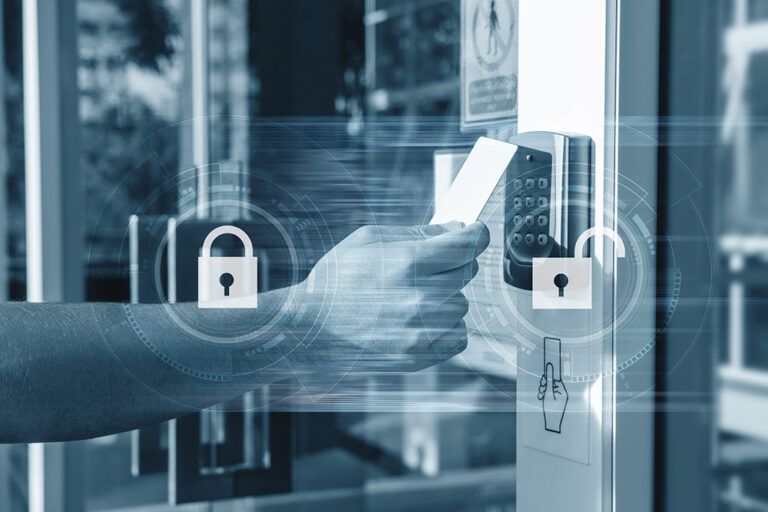
Smartphone-based systems allow you to control access via an app—lock or unlock doors remotely, issue temporary digital keys, and receive activity alerts in real time.
Best for:
- Modern family homes
- Airbnb and rental hosts
- Remote property managers
Pros:
- Control access from anywhere
- Create time-based or guest-specific access
- Many systems integrate with smart home platforms
Cons:
- Dependent on internet and mobile connectivity
- May need additional setup for guests unfamiliar with the app
📷 5. QR-Code Access Systems
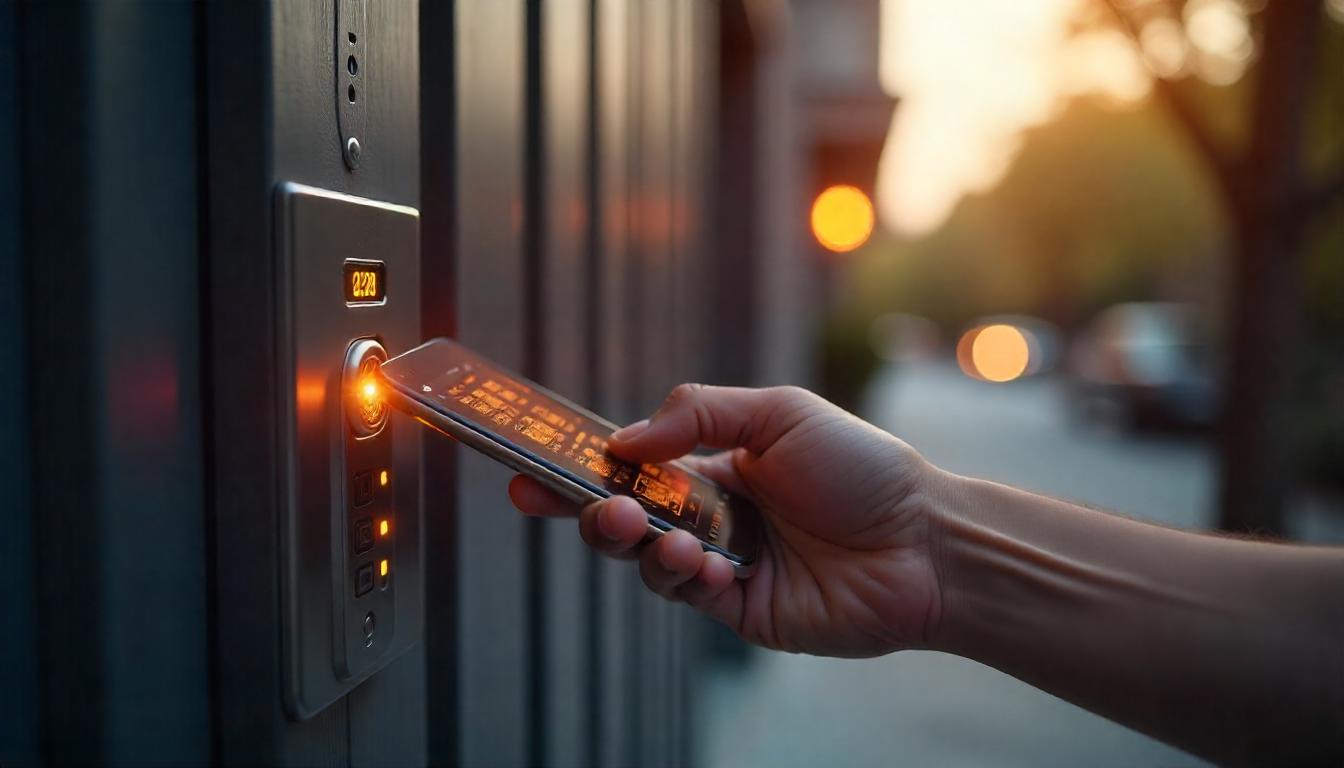
These are increasingly popular in secure complexes and estates. Visitors receive a unique QR code on their phone to scan at the gate—granting access for a limited time.
Best for:
- Estates with visitor management needs
- Schools or office parks
- Properties with security guards or manned entrances
Pros:
- Excellent for managing temporary access
- Time-based entry reduces risk of misuse
- No app or physical device needed—just a smartphone
Cons:
- Requires gate/door QR scanner
- May need reliable mobile signal for scanning
🧠 How to Choose the Right Access Control System
The best system for you depends on a few key factors:
| Factor | Best System(s) |
|---|---|
| Family home with children | Biometric or mobile app system for easy access |
| Guesthouse or Airbnb | Keypad or mobile app for remote access management |
| Gated estate or complex | RFID or QR-code for scalable, shared access |
| Office or business space | RFID with audit trail features |
| Elderly residents | Simple keypad or RFID for ease of use |
| Frequent power outages | Battery-backed or solar-powered systems are essential |
Also consider:
- User experience: Is it easy for everyone to use, including children or elderly residents?
- Integration: Can it be linked to your alarm or CCTV system?
- Support: Will your provider offer maintenance, training, and local support?
At Helderberg Security, we guide you through these questions to tailor the perfect access control setup for your needs.
⚡ Don’t Forget About Load-Shedding!
Many modern access systems are designed to remain functional during power outages, but it’s critical to choose hardware with:
- Battery backup (for locks, keypads, and readers)
- UPS systems for connected devices like routers and controllers
- Offline functionality, so doors still unlock with local credentials even when Wi-Fi or cloud access is down
We help clients throughout the Helderberg and greater Cape Town region design resilient systems that keep them secure—even when the lights go out.
🚪 Upgrade Your Access, Upgrade Your Security
Gone are the days of lost keys and unreliable locks. With today’s smart access control systems, you can enjoy convenient, secure, and flexible entry to your home or business—customized to suit your lifestyle.
🔧 Need help deciding? Helderberg Security offers free consultations and full installation services for:
- Biometric scanners
- Keypad and RFID locks
- QR-code visitor systems
- App-controlled smart locks
📞 Contact us today to book a consultation or browse our product range.
👉 Don’t just lock your doors—control your access.